A Step-by-Step Guide to Automating Last Seen Tracking Across Platforms
Arda Çetin· Apr 03, 2026
Apr 03, 2026 · 5 min read
Global mobile app sessions increased by 7% last year, and consumer spending hit $167 billion, but how we measure that daily activity has fundamentally shifted. According to the recently published Mobile App Trends 2024 report by Adjust, growth in the mobile economy is no longer driven by single-channel metrics. Instead, it relies on sophisticated multi-platform measurement architecture and integrated data management. As a software engineer working intimately with real-time notification technologies, I see this shift playing out constantly in how we interact with modern communication platforms.
Why does modern messaging require automated measurement?
Automated last seen tracking is a method of logging precise online and offline timestamps across messaging networks without requiring the user to physically open the application. If you want a consistent, uninterrupted overview of digital availability, Seen Last Online Tracker, SUNA's timeline architecture is designed exactly for that purpose. It operates directly across fragmented networks, creating a unified log that replaces the need for manual, repetitive checking.
Over the past few years, the friction of monitoring messaging patterns by hand has become burdensome. We are dealing with highly distributed communication habits, requiring a systematic approach to activity logging. Below is a practical, step-by-step framework for mapping your requirements and setting up a reliable tracking workflow.
Step 1: How do you map your multi-platform usage?
Before implementing any tracking system, you need to audit where your communication actually happens. The modern messaging environment is highly fragmented. A single contact might start their morning using a mobile Telegram app, switch to WhatsApp Web on their office laptop during the day, and then occasionally check Telegram Web on a shared home tablet in the evening.
Attempting to track online status across these fragmented access points manually is impossible. Your first step is to recognize that an effective tracker must consolidate these data streams. A dedicated app will pull timestamp data regardless of whether the user is typing on a physical desktop keyboard or swiping on a mobile device.
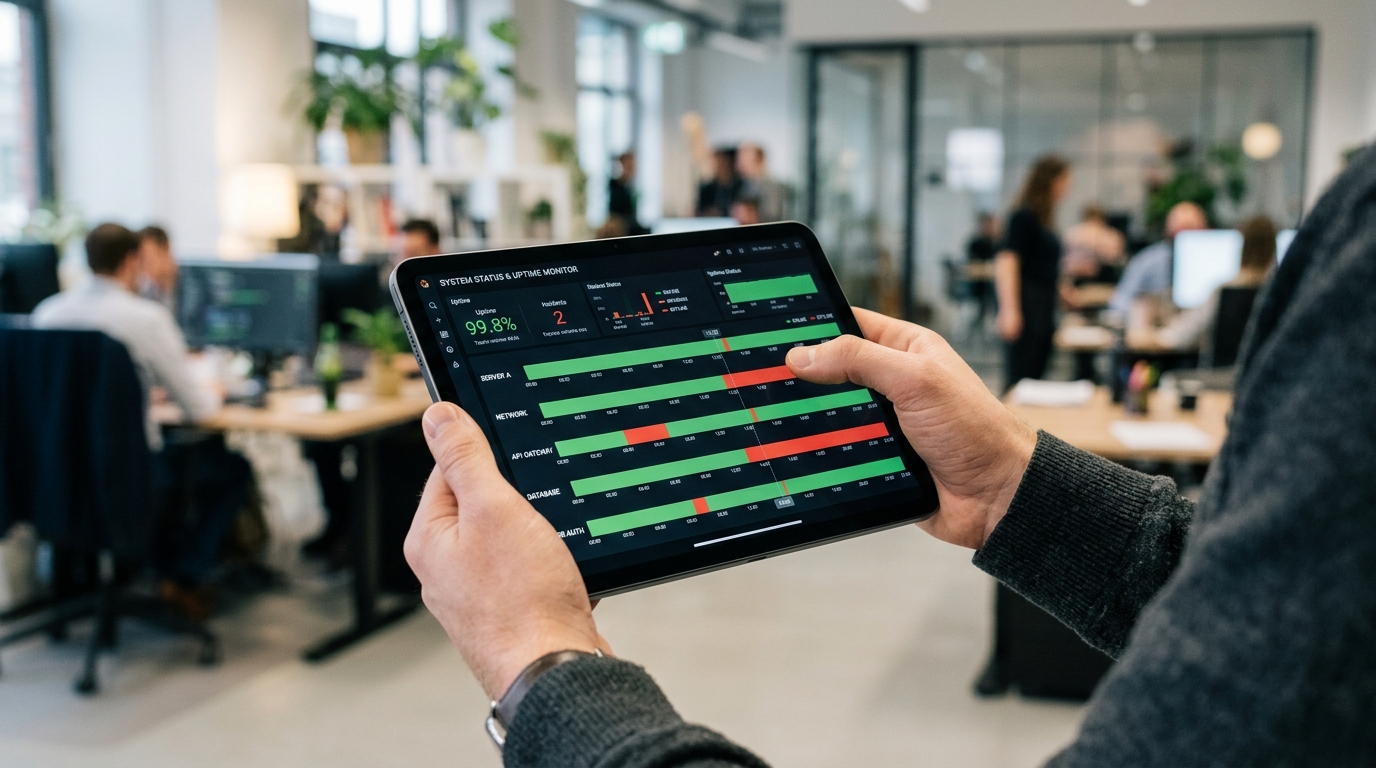
A close-up perspective of a person's hands holding a tablet, reviewing a sophist...
Step 2: Who actually benefits from dedicated tracking?
Understanding the target audience for these tools prevents mismatched expectations. Activity tracking is highly specific in its utility.
This technology is built for:
Parents: Managing and verifying screen time boundaries during homework or late-night hours.
Freelancers: Monitoring international client availability across different time zones to optimize response times.
Small Remote Teams: Syncing distributed workflows without constantly pinging colleagues to ask if they are online.
Who is this NOT for?
These tools are entirely inappropriate for non-consensual surveillance or casual stalking. A legitimate measurement app is designed to bring operational clarity to trusted relationships or personal productivity limits, not to breach privacy.
Step 3: Why should you avoid unofficial messaging clients?
When looking for extended status features, many people make the mistake of downloading third-party modified clients like GB WhatsApp. In my experience analyzing real-time messaging protocols, injecting a modified, unverified client into your primary communication stack introduces severe security vulnerabilities.
Modified clients often bypass official encryption standards, exposing your local contact lists and message payloads to unknown servers. Using a secure, standalone tracking application is vastly safer than compromising the integrity of your core messaging client just to see a hidden status.
Step 4: How do privacy standards influence your choice?
Data privacy is no longer an afterthought in mobile software; it defines the architecture. The Adjust 2024 report notes a clear trend: iOS App Tracking Transparency (ATT) opt-in rates climbed from 35% in the first quarter of 2023 to 38% in the first quarter of 2024. Users are becoming noticeably more comfortable with data measurement when the exchange is transparent and provides tangible value.
When selecting a tracker, look for clear data retention policies. The tool should measure connection metadata (the exact seconds a connection opens and closes) without attempting to intercept message content.
Step 5: How do you evaluate an activity timeline?
The core feature of any capable tracking app is its timeline. Raw timestamps are practically useless if you cannot read them at a glance. You need a visual representation that groups brief connection drops and highlights prolonged periods of activity.
As Pınar Aktaş detailed in her recent post on activity timelines, a structured log transforms scattered data points into understandable behavioral patterns. During your initial setup, enable notifications only for the most critical status changes. Alert fatigue happens quickly if you configure the system to ping your device every time a contact momentarily drops and reconnects to a Wi-Fi network.
An abstract, conceptual representation of data security in messaging. Floating g...
Step 6: How do you transition away from manual checking permanently?
For those still clinging to the habit of opening chat windows to verify presence, the transition to automated measurement is necessary for efficiency. The final step in this process is trusting the automated log.
Once you have installed your selected app and configured your priority notifications, close your messaging clients. Check the generated timeline once or twice a day rather than reacting to every alert. You will quickly notice that patterns emerge—predictable offline periods during commutes or heavy online activity during specific operational hours.
Where does Seen Last Online Tracker, SUNA fit into this workflow?
Implementing this step-by-step approach requires reliable infrastructure. If your goal is to eliminate the guesswork from multi-platform communication, Seen Last Online Tracker, SUNA provides the precise timeline mapping discussed above for WhatsApp and Telegram.
Our focus at Activity Monitor has always been to build tools that provide clear, actionable data without compromising device security. By moving away from manual checking and modified clients, you secure your daily communication habits while gaining the exact measurement insights necessary to manage your digital boundaries.